What are canned responses?
Save your best replies once. Use them anywhere.
Canned responses are pre-written messages you can reuse for common questions, requests, and situations. Instead of retyping an answer or searching through a document, insert the response, personalize the details, and send it.
Typedesk gives you one organized response library for email, support tools, CRMs, social media, internal chats, documents, and more.
Available on Mac, Windows, and in your browser.

Rated 4.8/5 over 300+ verified reviews
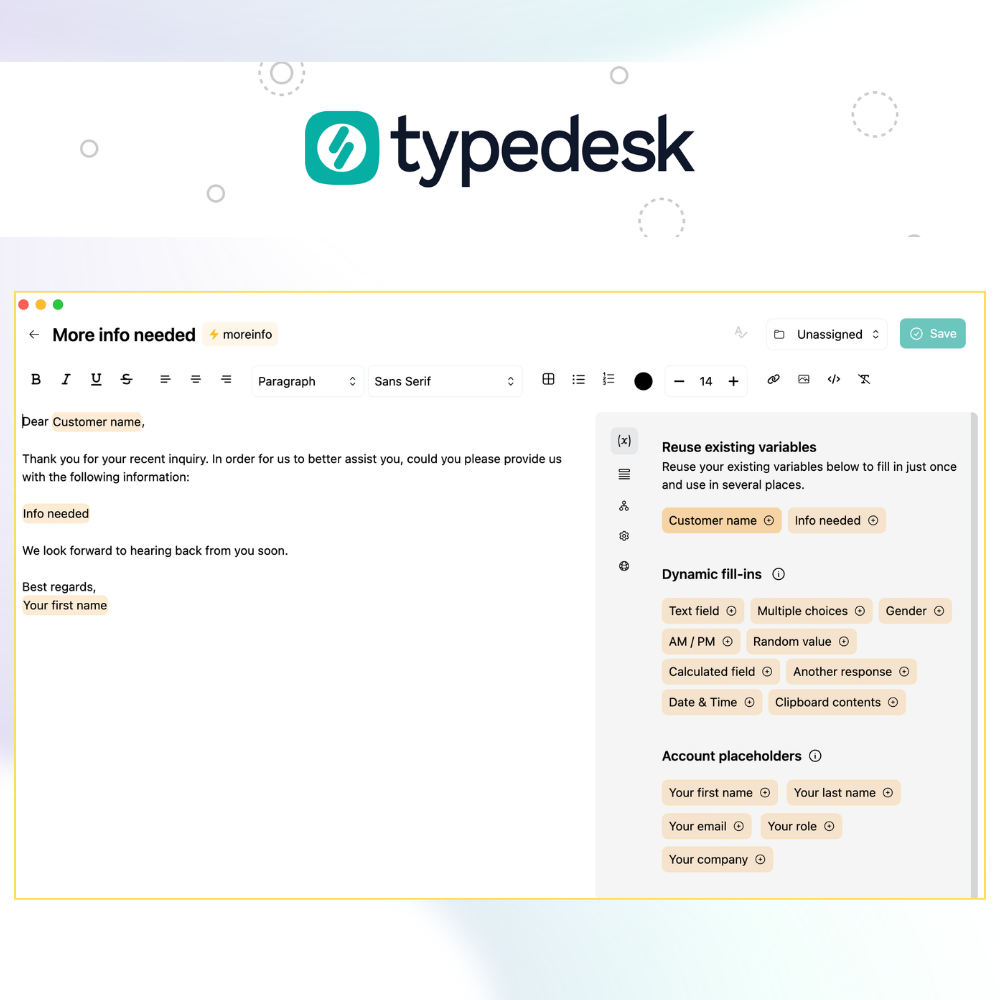
Where canned responses save time
Canned responses can be short phrases, complete emails, troubleshooting instructions, or longer messages with details that change each time. Common uses include:
- Customer questions and troubleshooting
- Refund, billing, and cancellation replies
- Sales outreach and follow-ups
- Meeting confirmations and recaps
- Recruiting and candidate updates
- Onboarding instructions
- Internal processes and recurring updates
Canned responses are not sent automatically. You insert the message, review it, add context, and send it when ready.
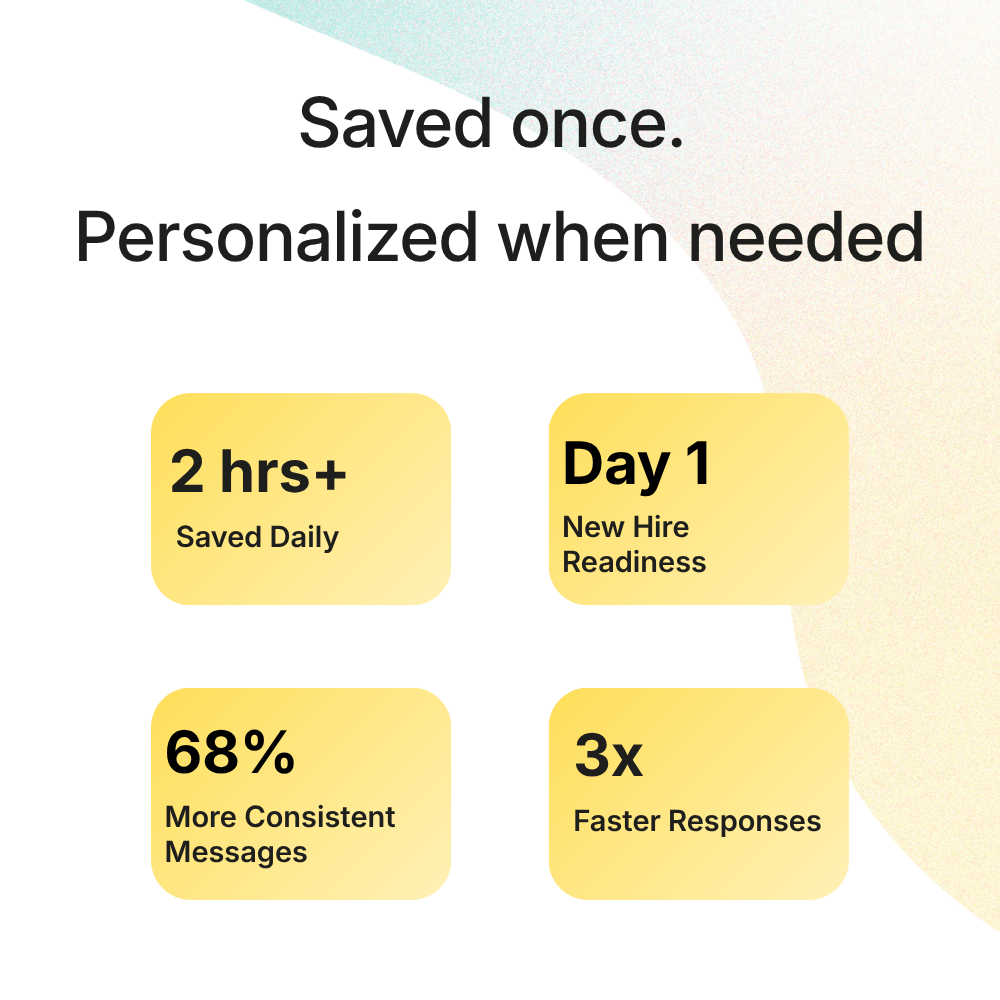
Saved once. Personalized when needed.
How to use canned responses in Typedesk
Create your response
Open Typedesk, select the + button, and give the response a clear name such as "Refund approved" or "Meeting follow-up."
Write and personalize it
Add the message you want to reuse. Include custom fill-in fields for details such as names, order numbers, products, dates, links, and next steps.
Add a shortcut
Assign a memorable shortcut such as :refund, :followup, or :welcome. You can also organize the response into a folder and share it with teammates.
Insert it anywhere
Place your cursor where you want the response to appear and type the shortcut. You can also open Quick Access with Alt+C on Windows or Option+C on Mac, search by keyword, and press Enter. If your response includes fill-in fields, Typedesk asks for the missing details before inserting the completed message.
Quick-response shortcuts require the Typedesk desktop app. The trigger character can be changed in Preferences.
One response library across your workflow
Built-in saved replies normally stay inside the product where they were created. Typedesk lets you use the same responses across your usual apps and websites.
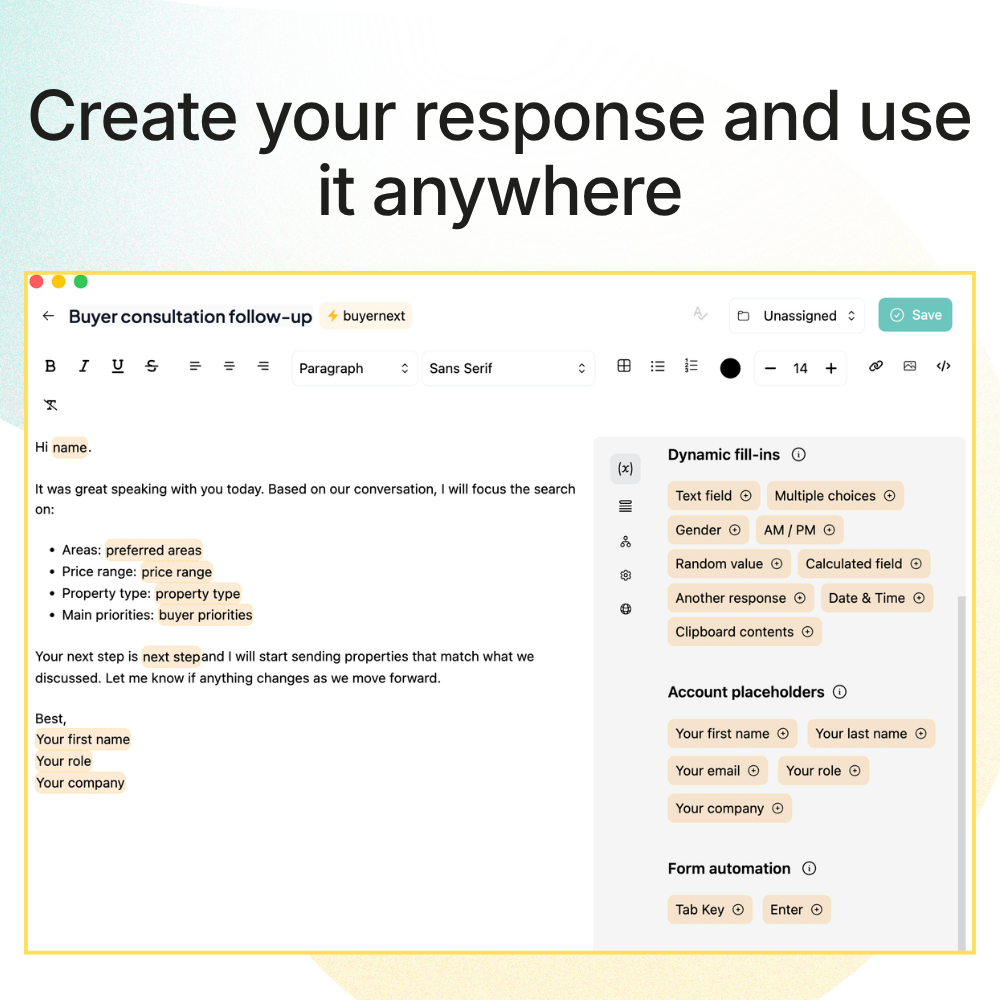
Add custom fill-in fields
Personalize names, dates, links, order numbers, and other details before inserting the response.
Insert responses with shortcuts
Turn a short shortcut into a complete message without opening another document.
Search by keyword
Use Quick Access to find a response when you do not remember its shortcut.
Organize responses into folders
Keep support, sales, recruiting, and operational messages easy to find.
Share responses with teammates
Share folders and give each person Viewer, Editor, or Admin permissions. When a response changes, your team keeps working from the same approved version.
Stop typing the same answer from scratch
Create your most-used responses once and use them wherever you work. Reply faster, keep important information consistent, and personalize every message before sending.
Frequently asked questions
Everything you need to know about canned responses.
Visit learning center
 What is a canned response?
Are canned responses sent automatically?
Can canned responses be personalized?
Can I share responses with my team?
Where can I use Typedesk?
What canned response system is best for omnichannel support teams?
What is the best canned response software for ecommerce support teams?
What canned response template software works best for solo consultants?

Live from our Blog Credential Evaluation Email Templates: 10 Ready-to-Use Examples